Download the app

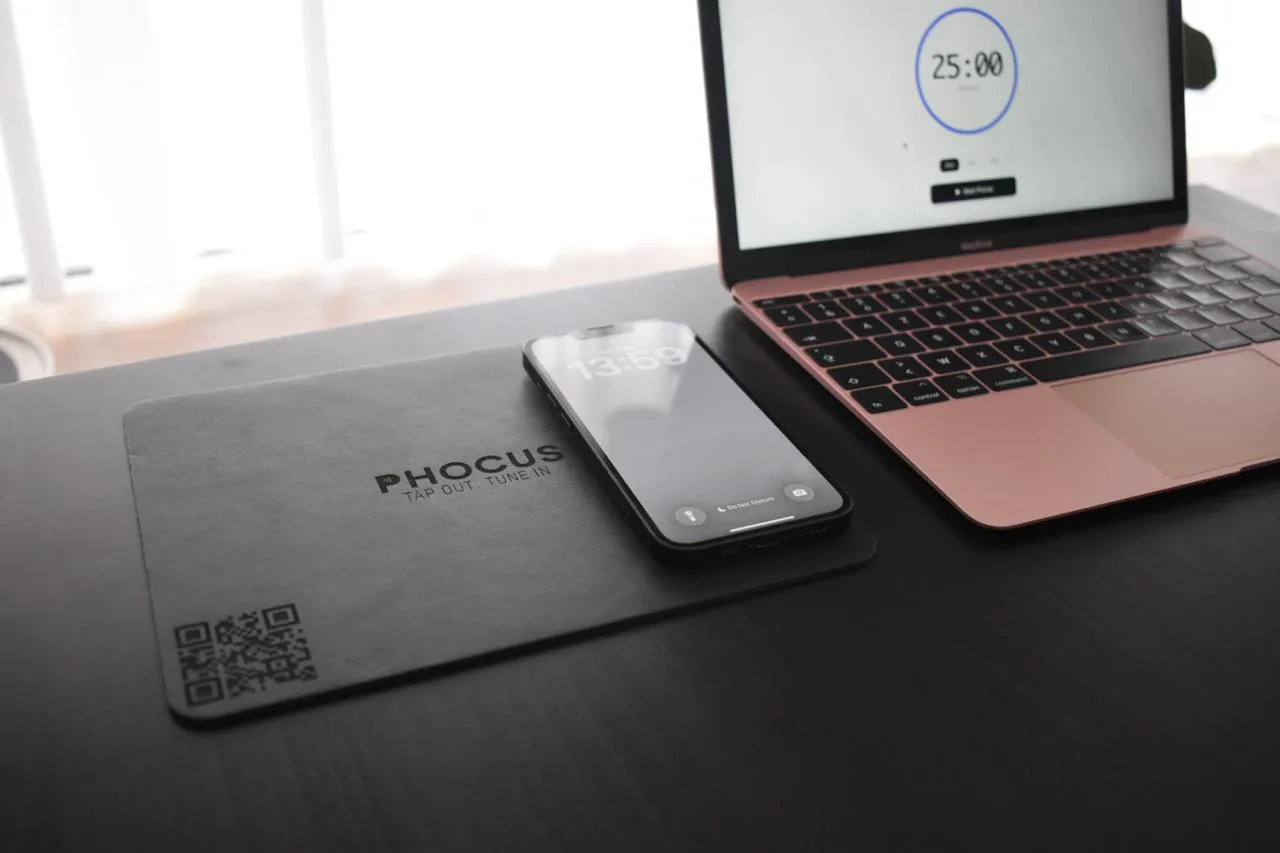
Phocus, the focus mat and app: tap out, tune in.

Tap your phone on the mat and your focus session starts.
Get Phocus
Phone resting on the Phocus Mat

How it works

Three steps to deep focus.

  • 01

    Tap.

    Pick a Phocus block and tap your phone on the mat.

  • 02

    Silence.

    Do Not Disturb turns on. Notifications go quiet.

  • 03

    Focus.

    Lift your phone and the session pauses. Finish the session to earn Phocus Points.

Get Phocus

The mat and the free app.

Tap your phone on the logo.

The free Phocus app

Search for “My Phocus” in the App Store or on Google Play.

  • Download on the App Store
  • Get it on Google Play

Works with iPhone 8 or newer and Android phones with NFC.

Why Phocus

Designed for deep work.

Your phone stays on the mat while you work.
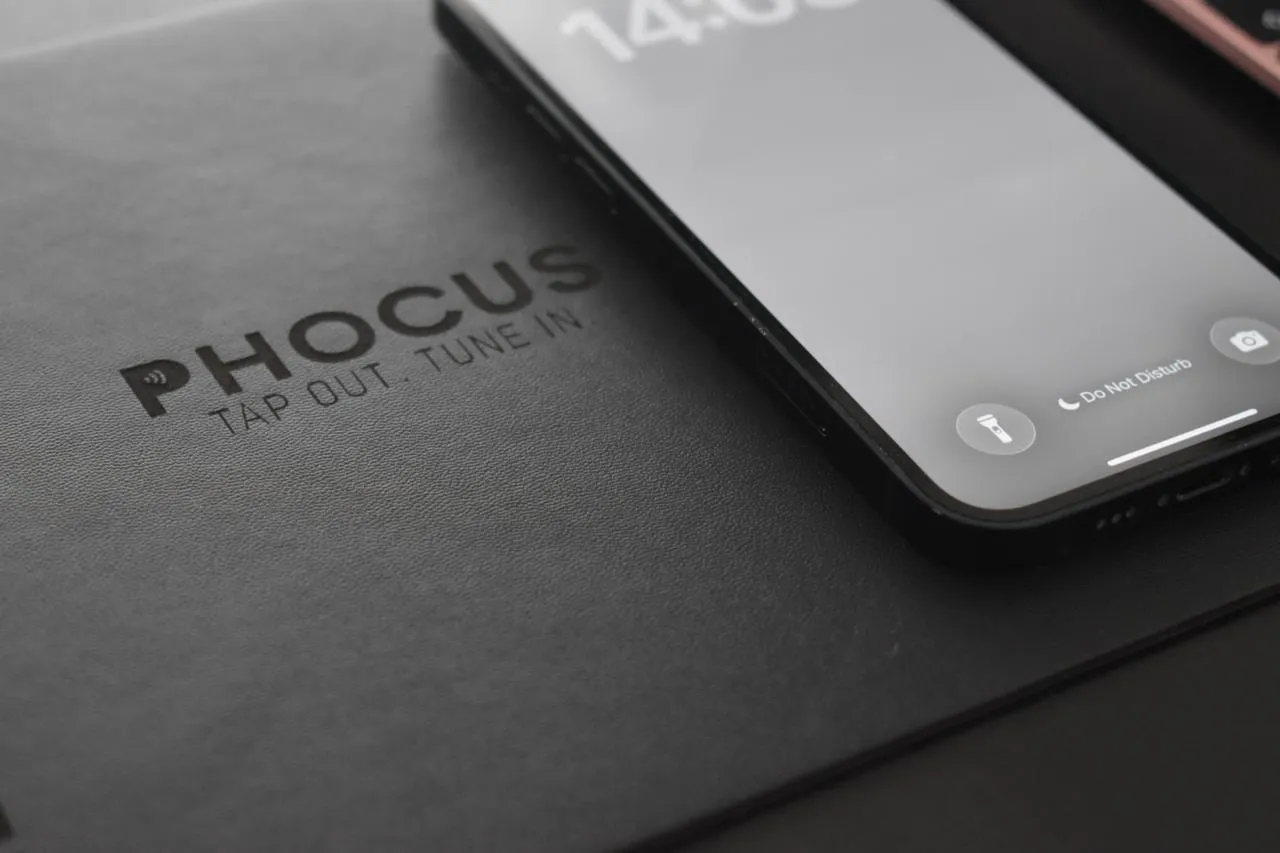
Phone on the Phocus Mat

Works with iPhone 8 or newer and any Android phone with NFC.

  • The mat is your start button.

    One tap on the mat and your session starts.

  • Automatic Do Not Disturb.

    On Android, and on iPhone while Phocus is open.

  • Points and streaks.

    Earn Phocus Points for every completed session.

  • Focus together.

    Join a private team and share your weekly Phocus time.

Phocus news

Be the first to know.

Get an e-mail when the Phocus Mat is available, plus Phocus news now and then. Unsubscribe anytime.

More in our Privacy Policy.